
Connect
Add the folders or network shares containing your music.
Your music. Your network. Your phone.
Browse your entire home music library from your Android phone. Stream it over Wi-Fi, download what you want, organize your collection, and control playback your way.

Your music stays yours — on your computers, drives, network storage, SD cards, and phone.
How it works
Add the folders or network shares containing your music.
PRSmusJuke catalogs your music into an album-based library with artists, artwork, genres, and metadata.
Stream over Wi-Fi or upload selected albums and tracks to your Android device for local playback.
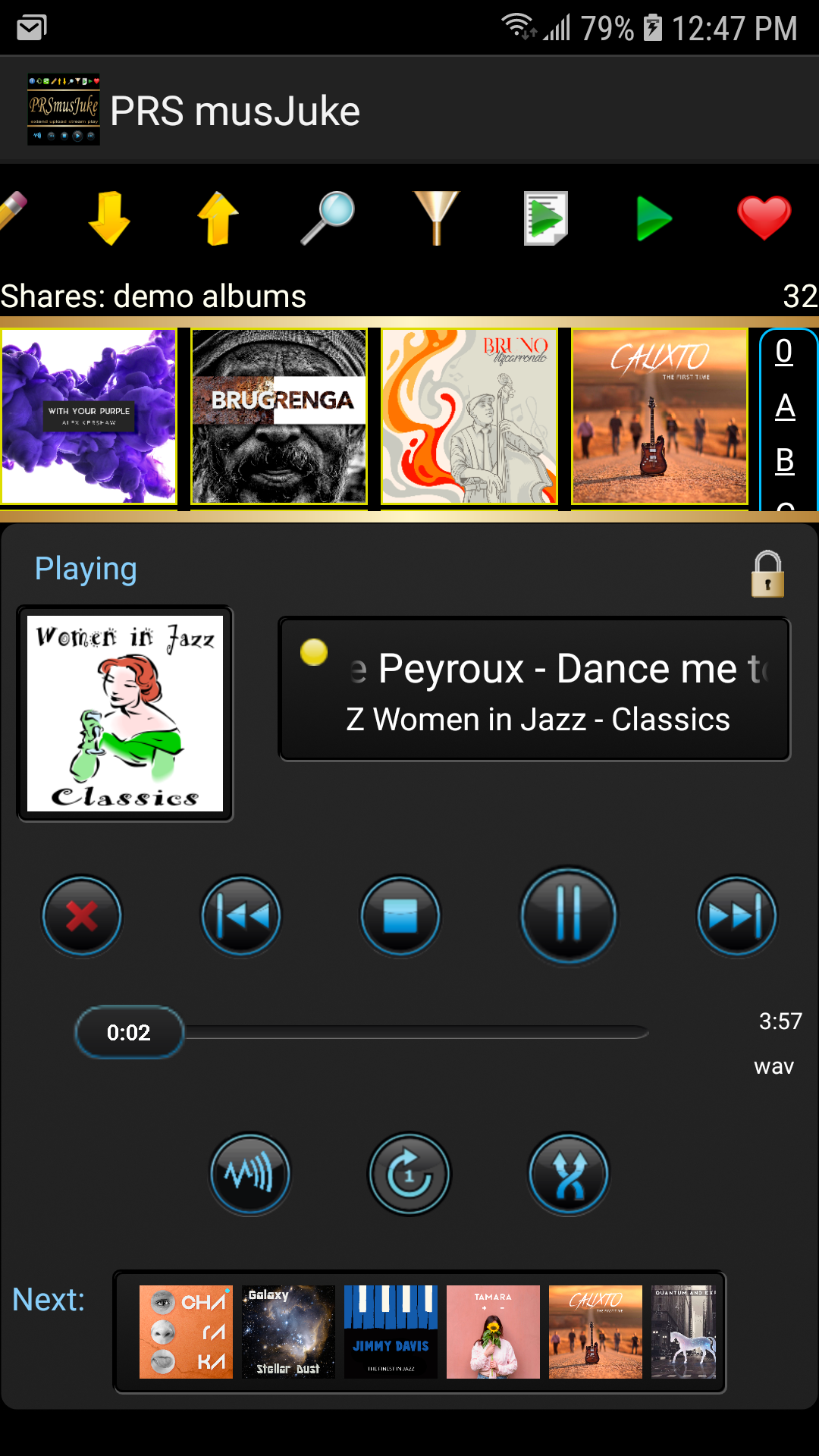
One connected catalog
Keep music on computers, drives, and network shares while PRSmusJuke brings it into one browsable catalog. Music already on your phone is included too.
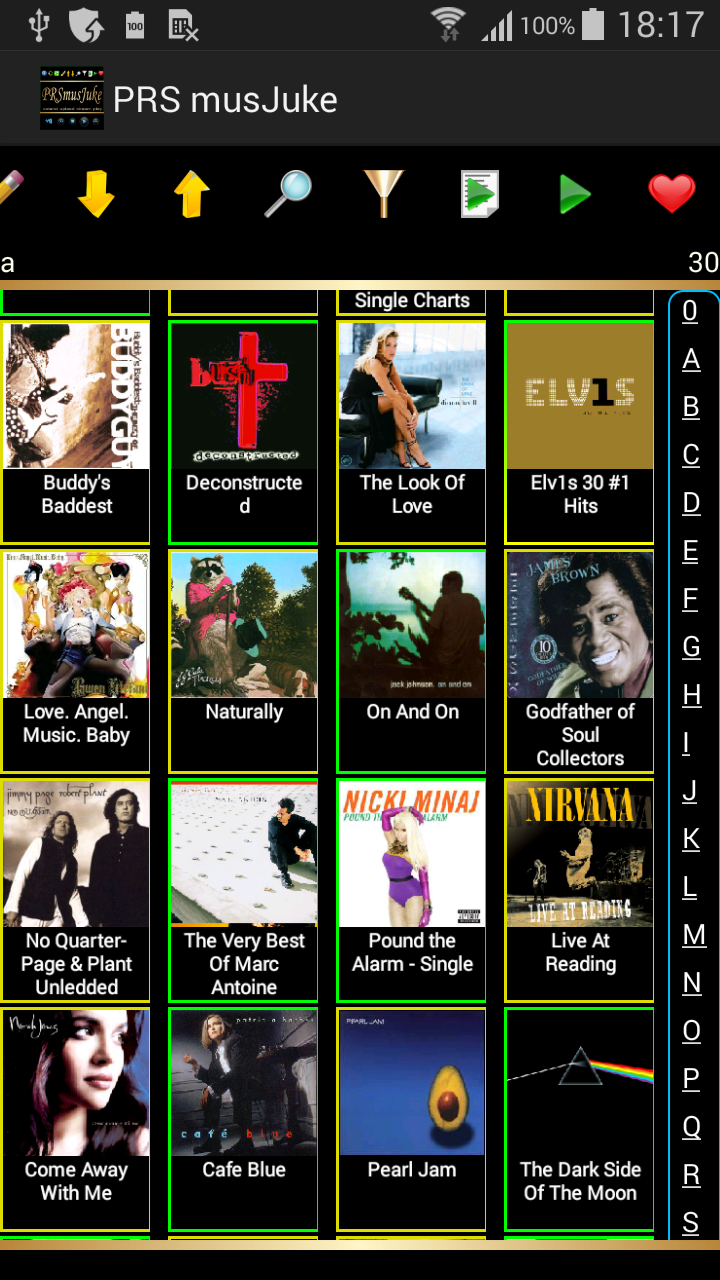
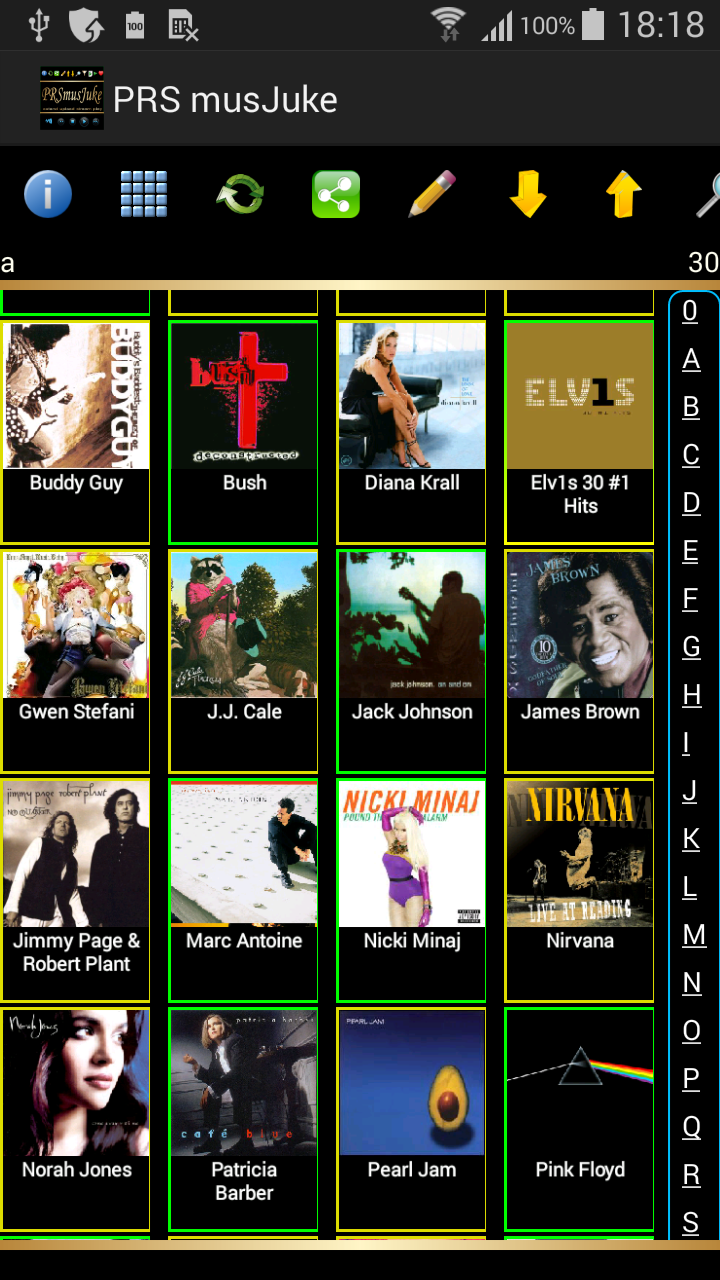
Album Wall
Browse the collection by artwork and choose small, medium, or large covers.
Colored borders distinguish music on the device, available to stream, and offline.
Jump by artist, search by artist or track, or narrow the library with filters.
Made for your library

Play music stored on your home network directly from your Android phone over Wi-Fi.

Add albums, tracks, or playlists to the Upload Queue, then store them on supported phone storage for local playback.

Search by artist or track. Filter by share, genre, favorites, release year or decade, Wi-Fi network, and online status.

Create playlists, add music, reorder tracks, and keep favorite albums, tracks, or playlists close at hand.

Use MusicBrainz and Discogs data to help fill in missing album information, genres, and artwork.

Correct album, artist, track, genre, artwork, and release information, or reorganize tracks between albums.
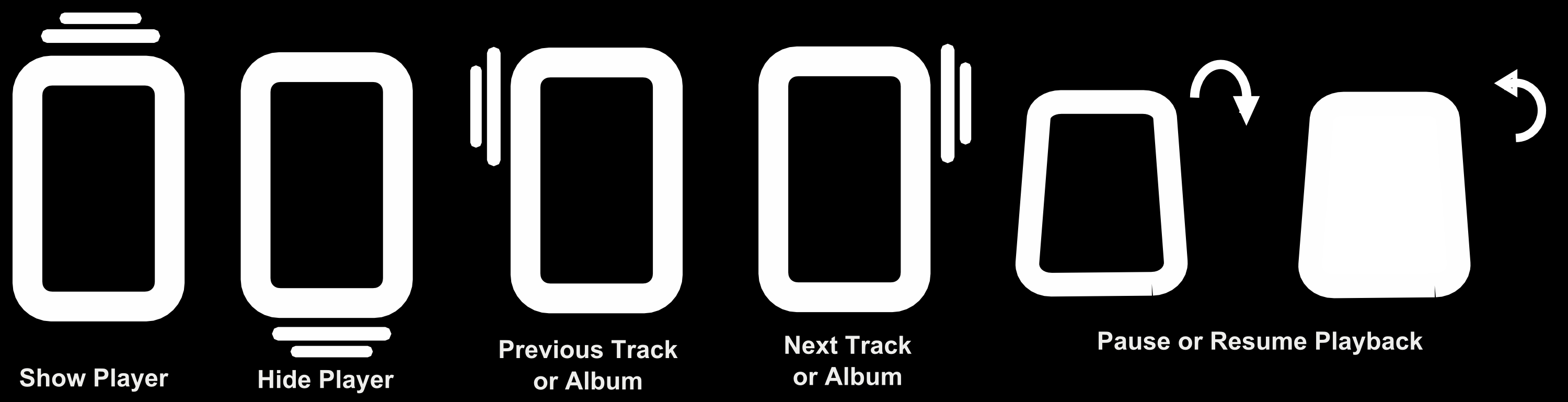
A distinctive extra
On devices with the required motion sensors, simple movements put common player controls within reach.
No cloud library required
If your collection lives across computers, hard drives, network storage, SD cards, and your phone, PRSmusJuke brings it together into one music library without requiring you to upload your collection to a cloud music service.
Network setup
Set up a share, point it at your music, and let PRSmusJuke build the catalog.
Give the share a recognizable name.
Discover available devices on your Wi-Fi network.
Enter login credentials if the server requires them.
Browse the share to the folder containing your collection.
Build the catalog, then check the scan log for newly found music.

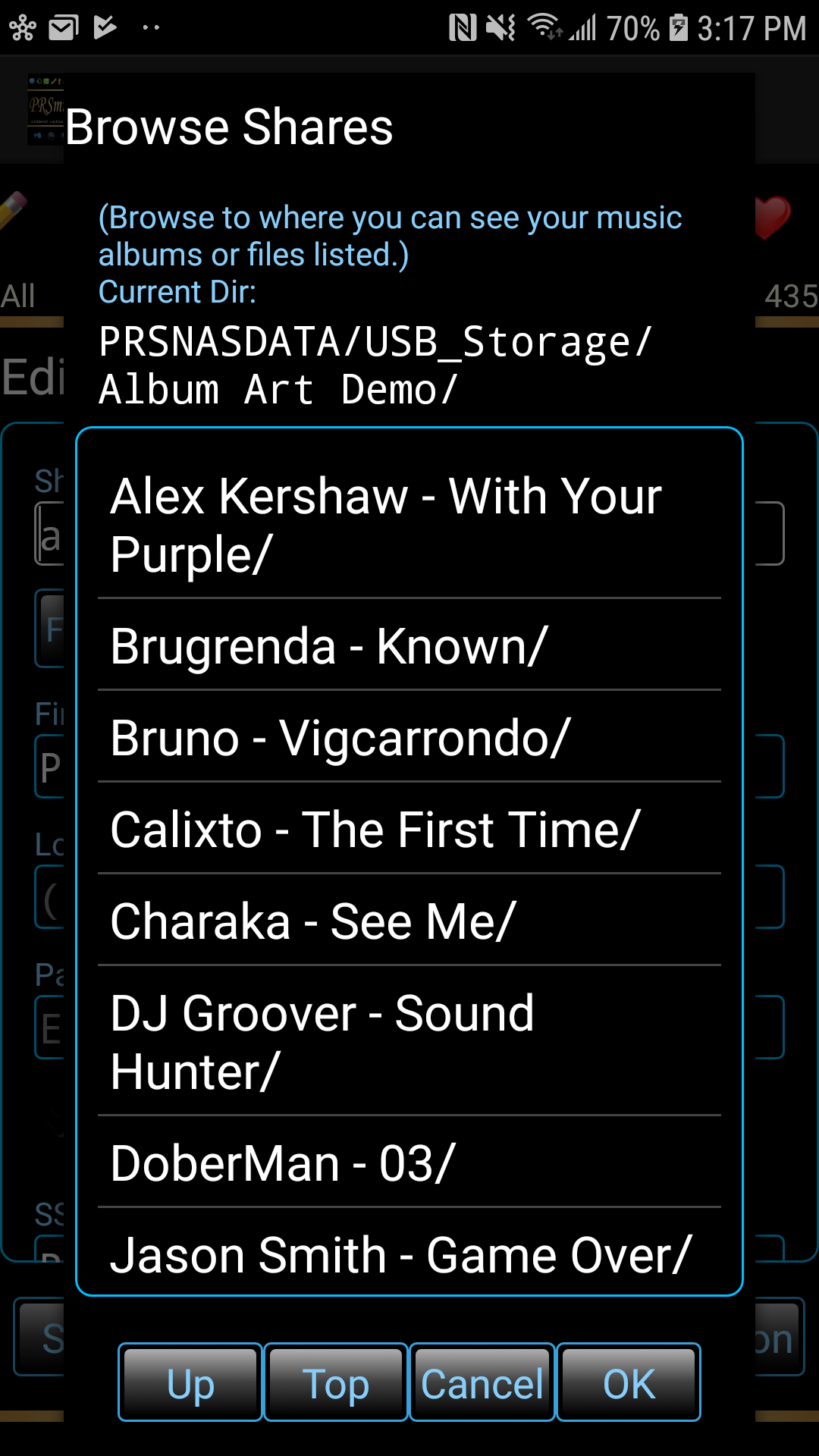
If a share moves — for example, when a USB drive changes location — remap it to the new server or share location without rescanning the catalog.
Stream it when you’re home. Upload what you want when you’re going out.